
Overlay
Show alerts for gifts, new followers, comments and more on your LIVE screen. Customize style/colors/position and tilt on 3 axes.
Free download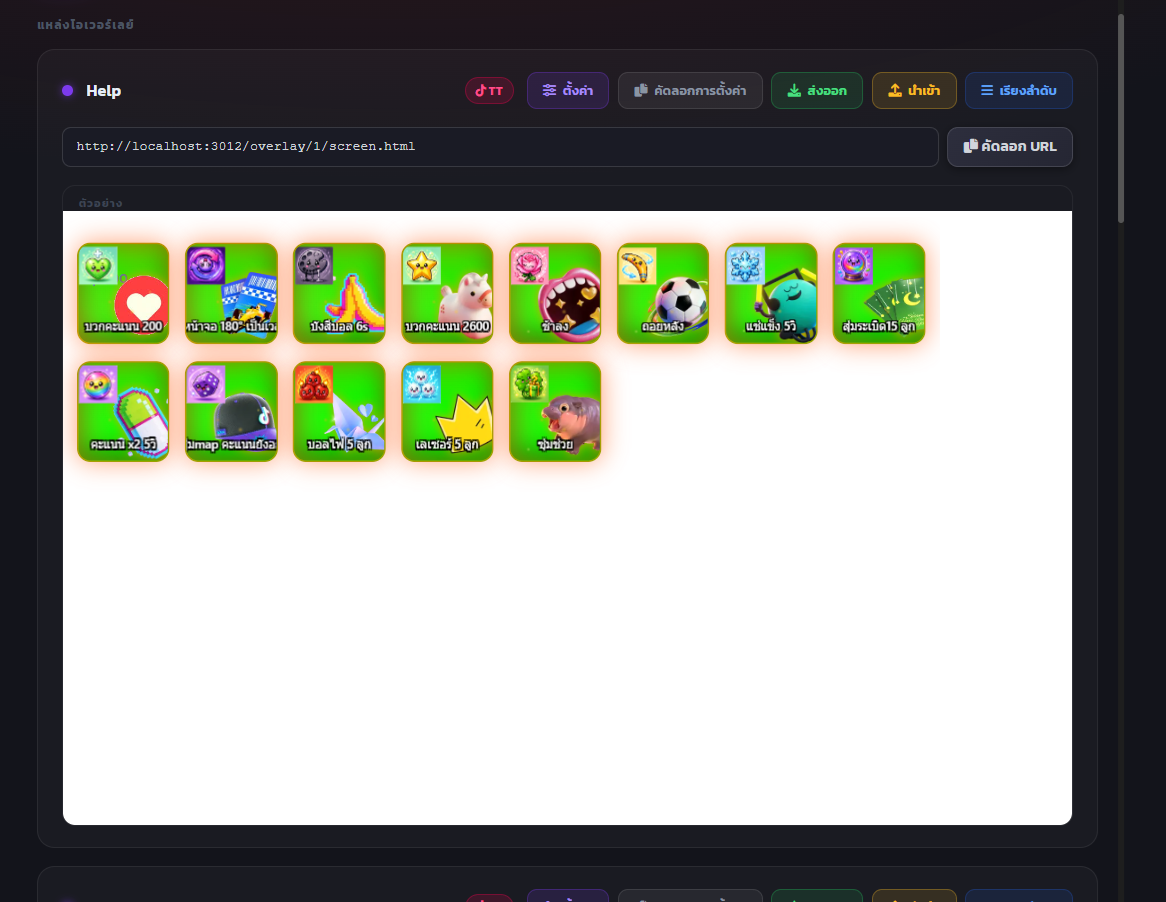
Pick an overlay and add it to OBS or TikTok Studio — no time wasted cutting out images
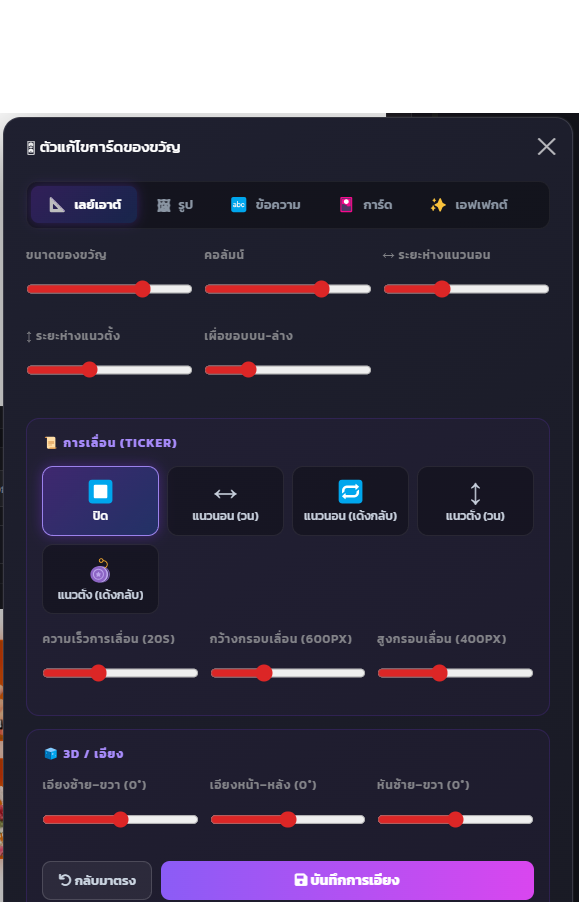
Customize the overlay however you like — vertical or horizontal, with lots of effects and animations to choose from
What is an Overlay?
The overlay is the "gift card and event manager" that ties everything together — when viewers send gifts on your LIVE, a gift card pops up on screen instantly with the sender's name and gift, and it can also trigger the actions you've set up (play a sound, show an image, add points, etc.). You decide what each gift does. Just copy the link into OBS and it's ready to go, with a gift simulator so you can test before you go live
On-screen gift cards
Map gifts to actions
Connect to OBS & test it for real
How to use
- Set from the event which gift is which type; the default is Help
- Customize the screen as you like
- copy the URL into OBS or TikTok LIVE Studio
FAG
Can the overlay be vertical or horizontal?
Yes. You can set it in the overlay settings under columns — just scroll down to find it. The overlay can be switched between portrait and landscape
Can I set up more than 1 overlay?
Yes. Go to event and you can choose an overlay group. Pick whichever group you want — up to 9 groups.
and each group can be set up differently, independently of the others