
Streamer screen (on top of the game)
Gift effects pop up on the screen you are playing on, right over the game. React live with your viewers; it is click-through, so you keep playing
Free download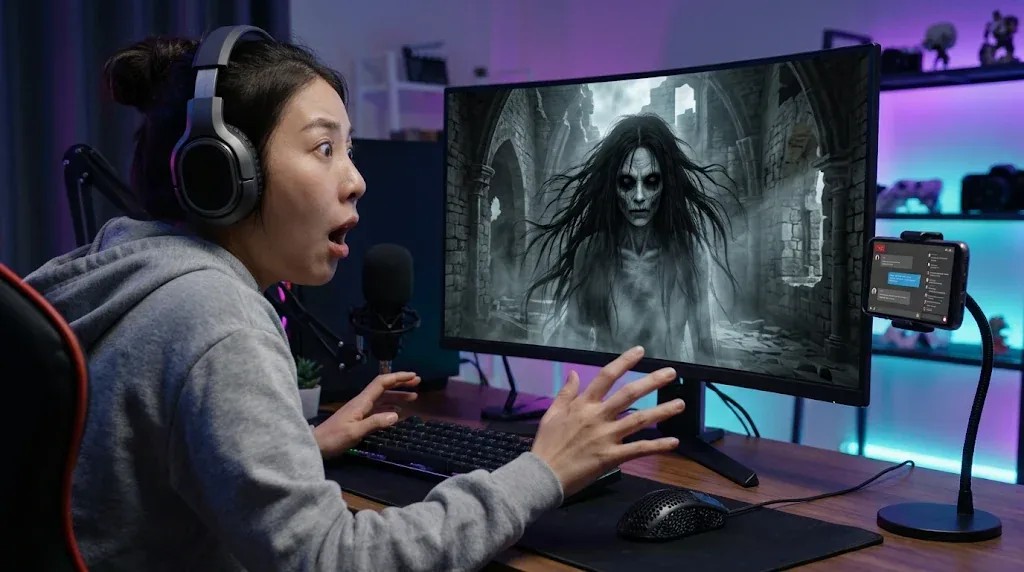
👻 Horror game — full-screen jumpscare
A viewer sends a gift → a ghost fills your screen over the game. Real scares, no acting. Set size to Fill; 2-3 clips are plenty.
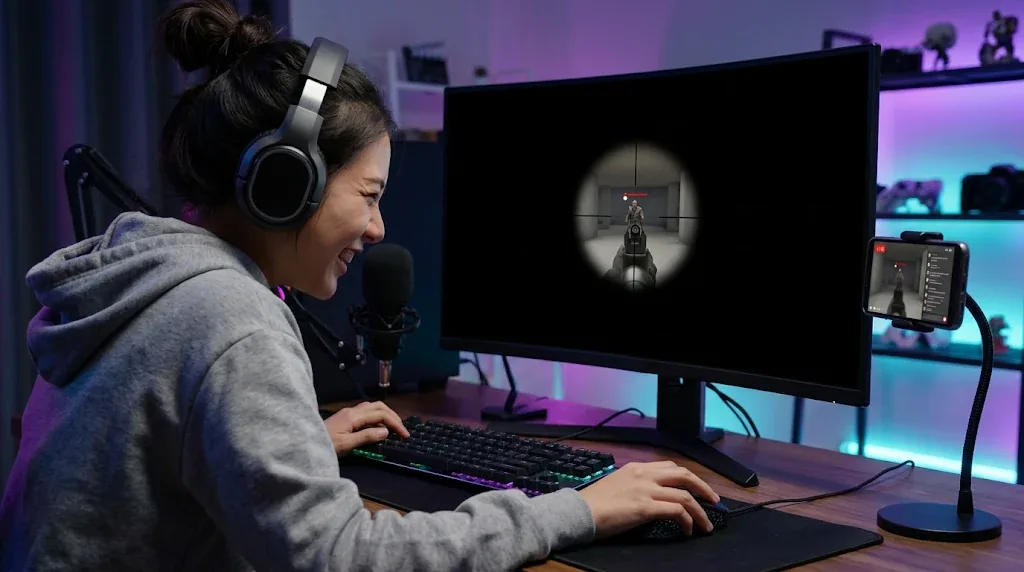
🔫 Shooter (FPS) — “lights out” punishment
A black video with a green circle in the middle + Green screen on → the screen goes almost dark except a small hole around the crosshair, so you keep playing half-blind. Or show a small thank-you clip in a corner instead.
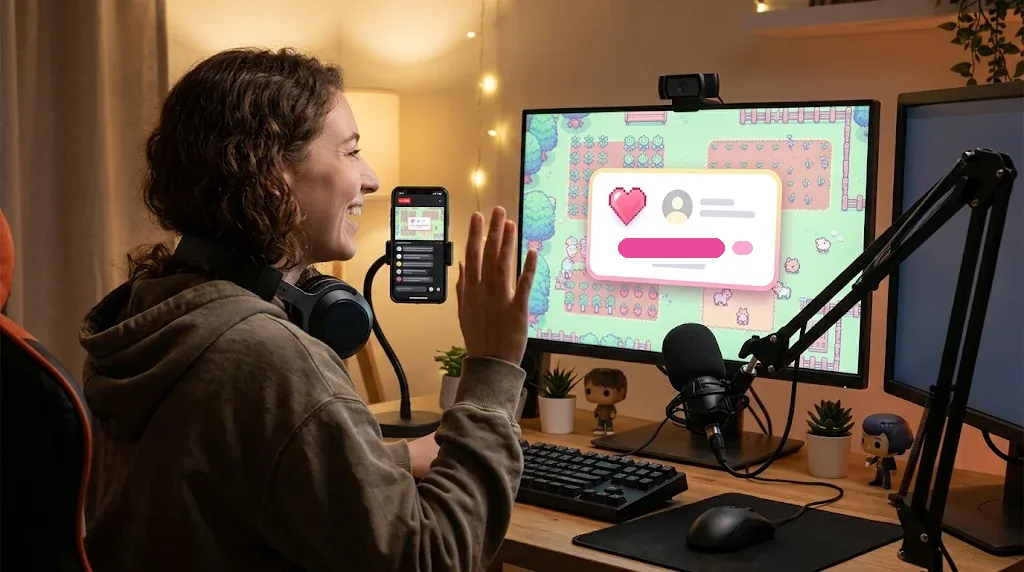
💝 TikToEarn donate alerts
Someone donates through TikToEarn Donate → the card pops up on your screen so you can thank them without switching windows.
What can Streamer screen (on top of the game) do?
Normally actions play in your live software overlay (OBS / TikTok LIVE Studio), so viewers see them but you do not while you focus on the game. The streamer screen plays the same actions on your own monitor, over the game, so you react live. It is click-through, so you keep playing.
Over any game
Click-through
Size, corner, opacity
Video, image, sound, read-aloud
Green screen (Pro)
Hide instantly
How to use it
- Open “Streamer screen” in Tik To Earn, turn the switch on and pick the monitor you play on
- Press ▶ Test, and you should see a purple frame over the game
- In the action form set “Show on = Streamer screen” or “Both”, then pick size / corner / opacity
- For donate alerts, tick “Show donate” on the streamer screen page
FAG
Do viewers see it?
If your live software captures the whole display, yes. Set actions to “Streamer screen” only so they do not see it twice. If you capture only the game window, viewers see the normal overlay.
Is it free?
Free plans can use it for 1 action. Pro is unlimited and adds green screen, donate alerts, the random wheel and VIP viewers on screen.
Nothing shows over my full-screen game?
Set the game to Borderless or Windowed Fullscreen. Exclusive Fullscreen cannot be drawn over.